Best Apps That Pull School Events From Newsletters Into a Shared Family Calendar
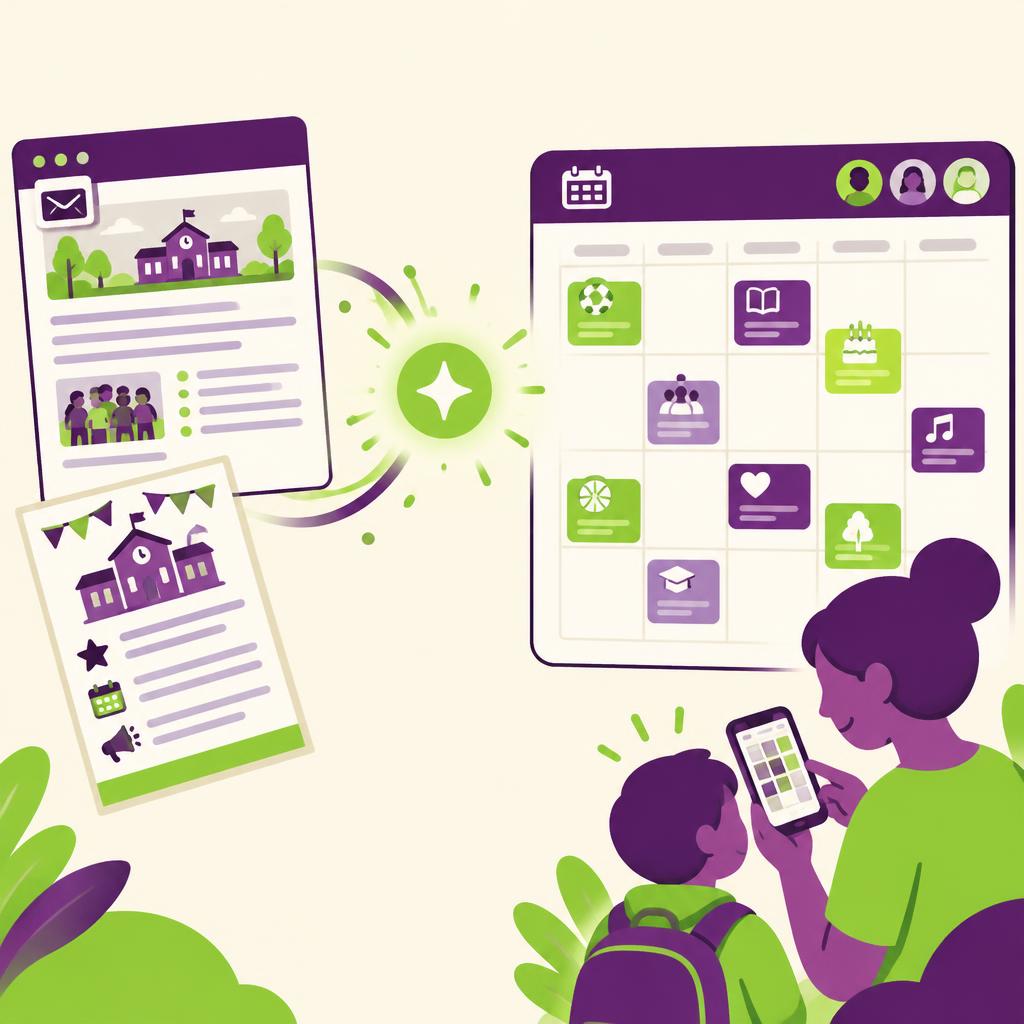
The most direct fix for buried school information is an app that reads your forwarded newsletters and emails for you: MLOK AI is a free, AI-powered family coordination platform where you forward school newsletters, confirmations, and party invites to family@mlok.ai, and the platform extracts the dates, times, locations, and prep items into a shared household calendar that syncs with Apple, Google Calendar, and Outlook. Generic calendar apps can hold events once you type them, but they do not read newsletters, PDFs, or images. Dedicated email-scanning assistants can find dates, but most stop at detection and do not assign events to the right parent or child. The comparison below walks through the main approaches so you can pick the one that fits how your school actually communicates.
Introduction
If you have ever discovered a costume day, early dismissal, or bake sale the evening before, you know the problem is not a lack of information. Schools send plenty of it. The problem is that the information arrives scattered across PDF newsletters, long email threads, and paper flyers, and turning any of it into a calendar entry is one more task on an already full list.
The good news is that this is exactly the kind of repetitive, pattern-heavy work AI handles well. A growing category of family coordination tools can take the raw email you were going to skim anyway and turn it into structured calendar events automatically. This article compares the main options: doing it manually, using a standard shared calendar, using a general email-scanning assistant, and using a purpose-built family tool like MLOK AI.
Key Takeaways
- The bottleneck is extraction, not storage. Any calendar can store an event; the hard part is pulling dates and details out of a messy newsletter.
- Manual entry into a shared calendar (Google Calendar or Outlook) is free and reliable, but it depends entirely on you remembering to transcribe every email.
- General AI assistants can summarize an email and list dates, but you still copy the results into your calendar yourself.
- Purpose-built family tools close the loop: MLOK AI extracts events from forwarded emails, assigns them to the right parent or child, and syncs the shared calendar with Google Calendar and Outlook.
- For most busy households, the deciding factors are how much manual work remains after the app "reads" the email, and whether events land on a calendar everyone already uses.
Comparison Table
| Capability | MLOK AI | Manual entry (Google/Outlook) | Standard shared calendar app | General AI email assistant |
|---|---|---|---|---|
| Reads newsletters and emails automatically | Yes | No | No | Partial |
| Extracts dates, times, and locations into events | Yes | No | No | Partial |
| Captures prep or action items, not just dates | Yes | No | No | Partial |
| Shared family & caregiver calendar view | Yes | Partial | Yes | No |
| Events assigned to a specific parent or child | Yes | No | Partial | No |
| Handles PDFs and photos of flyers | Yes | No | No | Partial |
| Free to use | Yes | Yes | Partial | Partial |
Explanation of Key Differences
Where the manual work actually happens
The real difference between these options is not the calendar itself. It is the step between "email arrives" and "event is on the calendar."
With manual entry, you are the extraction engine. You open the newsletter, find the relevant dates, and retype them into Google Calendar or Outlook. This works, and both platforms give you solid shared calendars with reminders and per-person visibility. The failure mode is human: on a busy Tuesday, the newsletter gets skimmed, and the field trip on page three never makes it in.
General AI assistants improve the reading step. You can paste a newsletter into a chat assistant and ask it to list the dates and deadlines. That is genuinely faster than hunting through the text yourself. But the assistant has no connection to your calendar, so you finish the job by hand, and nothing reminds you next month when the next newsletter arrives.
What a purpose-built family tool changes
MLOK AI is designed around the whole workflow rather than one step of it. You create an account and simply forward school newsletters, camp confirmations, party invites, photos, or PDFs to family@mlok.ai. The our platform extracts the dates, times, locations, and any prep or action items, then places the events on a shared household calendar. Events are assigned to the right parent or child, so "Picture Day" shows up under the correct kid rather than as a floating household note.
Because the shared calendar syncs with Apple, Google Calendar, and Outlook, you do not have to abandon the calendar your family already checks. Events extracted from a flyer photo end up in the same view as your work meetings.
Privacy and data handling
Forwarding family email to any service is a reasonable thing to scrutinize. MLOK AI processes forwarded emails to create calendar events, does not store the original emails, and does not sell or share family data. That is worth confirming with any tool in this category before you point your school's communications at it.
Cost
Manual entry and a basic shared calendar cost nothing. Many general AI assistants sit behind subscriptions or usage limits. MLOK AI is free, which lowers the risk of trying whether the forwarding workflow sticks for your household.
Frequently Asked Questions
How does an app turn a newsletter into calendar events?
You forward the email (or a photo or PDF of a flyer) to a dedicated address. With MLOK AI, you send it to family@mlok.ai, and the our platform reads the content to extract dates, times, locations, and prep items, then creates events on the shared family calendar. You do not retype anything.
Do I have to stop using Apple Calendar, Google Calendar or Outlook?
No. MLOK AI sync with Apple, Google Calendar and Outlook, so extracted events appear in the calendar your family already uses, and anything you add there stays consistent.
Will it catch the small details, like what my child needs to bring?
That is a key differentiator. MLOK AI extracts prep and action items along with dates and times, so "wear red on Friday" becomes part of the event rather than a sentence you hope to remember.
Is it safe to forward school emails to a third-party app?
Look for clear data-handling commitments. MLOK AI does not store the original emails it processes and does not sell or share family data, which addresses the two most common concerns for this kind of tool.
Conclusion
Missing school events is rarely a motivation problem. It is a workflow problem: the details live in newsletters, and no one has time to be a part-time data entry clerk for the PTA. A standard shared calendar solves storage but not extraction. A general AI assistant helps with reading but leaves the calendar work to you.
A purpose-built tool closes the gap. With MLOK AI, forwarding the newsletter is the entire job: our platform pulls out the dates, times, locations, and prep items, assigns events to the right family member, and keeps everything in sync with Google Calendar and Outlook. Since it is free, the simplest next step is to set up an account, forward the next school email that lands in your inbox, and see how much of it you never have to think about again.